Logic.dev Internal product 2025
Draw the logic once. Get the code for free
Logic.dev is an internal tool where a project's app logic (state, API calls, data transforms) is drawn as a flow on a React Flow canvas and turned into code. This case study covers the canvas: its nodes, its wires and the panel you configure them in.
- Role
- Product Designer, Design Engineer
- Timeline
- Month to Month 2025
- Team
- N engineers, me
- Skills
- Interaction design, Node-based UI, Design systems, React Flow
My role
So my job was to make an app’s logic something the whole team could read.
I designed the project structure, the logic canvas (node anatomy, handles, edges and the node palette), the docked config panel, and the Flow, Prompt and Code views. Say what you built in code, if anything.
- Problem
- Every project rebuilt the same plumbing by hand, and the logic lived in developers' heads, where PMs and designers couldn't read it.
- What I did
- Designed a canvas where logic is built from typed nodes, wired with success and error paths, and shown as a flow, a prompt or code.
- Result
- Built so everyone on a project can read an app's logic, and its boilerplate is generated instead of typed.
An internal product at The Cloud Company. The sample data is made up.
Problem
Every client app needed the same kind of logic…
State, API calls and data transforms were rebuilt for each client app. When a developer moved on, the reasoning went with them, and PMs and designers had no way to check what a screen actually did.
…but it was written by hand each time, and only its author could read it.
That meant slow starts on new projects, long ramp-ups for new developers, and bugs in logic nobody else had reviewed.
Who it’s for
- DevelopersBuild a feature's logic once and generate the boilerplate.
- PMs and designersRead what a feature actually does without reading code.
- New joinersLearn a feature from its flow, not from someone's memory.
From logic in one developer’s head to logic the whole team can read.
Before: The same state and API calls rewritten for every client app
After: Logic drawn once, with the boilerplate generated
Before: The reasoning left when its developer did
After: The flow stays with the feature it serves
Before: PMs and designers couldn’t check what a screen did
After: Flow, Prompt and Code views of the same logic
Before: Error handling buried in a setting
After: Success and error drawn as separate wires
Discovery
Who has to read a canvas?
The canvas had to make sense to two kinds of people: developers, who think in code, and everyone else, who thinks in steps.
React Flow set the ground rules. Nodes, handles and edges are its building blocks, so I designed within that model instead of against it, and every interaction I drew was one the engineers could build. Add how you tested the canvas with developers and PMs.
- Canvas
- React Flow's model of nodes, handles and edges. Anything custom had to fit inside it.
- Output
- Every node had to map to code the generator could write, such as a Zustand store.
- Comfort
- Light and dark themes, because developers would spend whole days in it.
Core idea
Every feature is an event, the data it touches, and the decisions in between.
The palette is grouped the same way, so the first question on the canvas is what you want to happen, not what a block is called.
The flow formula
- Events
- What starts it, and what it updates on screen.
- Data
- What it reads and changes: state, transforms, filters and API calls.
- Control
- How it decides: if/else, switch and loops, with a separate path for errors.
- A flow
- One piece of logic, read as a flow, a prompt or code.
Exploration
Before the canvas you see now, there were two earlier ones.
01
The first canvas
Blocks sat in a grid in the side panel, and every wire was the same colour.
02
The first home
Each project listed its logic files, with its SQL and API work beside them.
03
The earlier canvas, in light
Flow, Prompt and Code tabs had arrived, and the blocks were grouped into general, data and control.
Decisions
Three calls shaped the canvas.
Decision 1: Nodes are grouped by what you want to do
The palette groups blocks by intent: general (events, UI updates, custom tasks), data (get and set state, transform, filter, lookup, call an API), control (if/else, switch, for-each, until) and functions. Each group has its own icon colour, so you find a block by its job, not its name.
The node palette Decision 2: Success and error are separate wires
A node that can fail has two outputs, drawn in different colours. Error handling is visible on the canvas instead of buried in a setting, and a missing error path is easy to spot in review.
Success and error paths Decision 3: Configure a node without losing the canvas
The config panel docks under the canvas (endpoint, HTTP method, query parameters, payload and response structure), so the node and its neighbours stay in view while you edit. The cost: less height for the flow itself.
The docked config panel
Solution
A developer can draw a feature's logic, a PM can read it, and the code comes out the other end.
Here is the canvas with a flow being configured, then the views and the project around it.
From a feature to the code that runs it.
- 1Start from the featureEach feature has build and design views, and its logic sits beside them.
- 2Draw the flowPick blocks by intent from the palette and wire them up.
- 3Configure each nodeEndpoint, method, parameters and payload, docked under the canvas.
- 4Review it togetherPMs read the prompt view, developers read the code.
- 5Generate the codeThe flow becomes a store the developer drops into the app.
- 1The node palette, grouped by intent.
- 2A ForEach node with success and error outputs.
- 3Edges coloured by outcome.
- 4The config panel, docked under the canvas.
- 5Flow, Prompt and Code tabs, with Generate Code.
Flow, Prompt and Code show the same logic
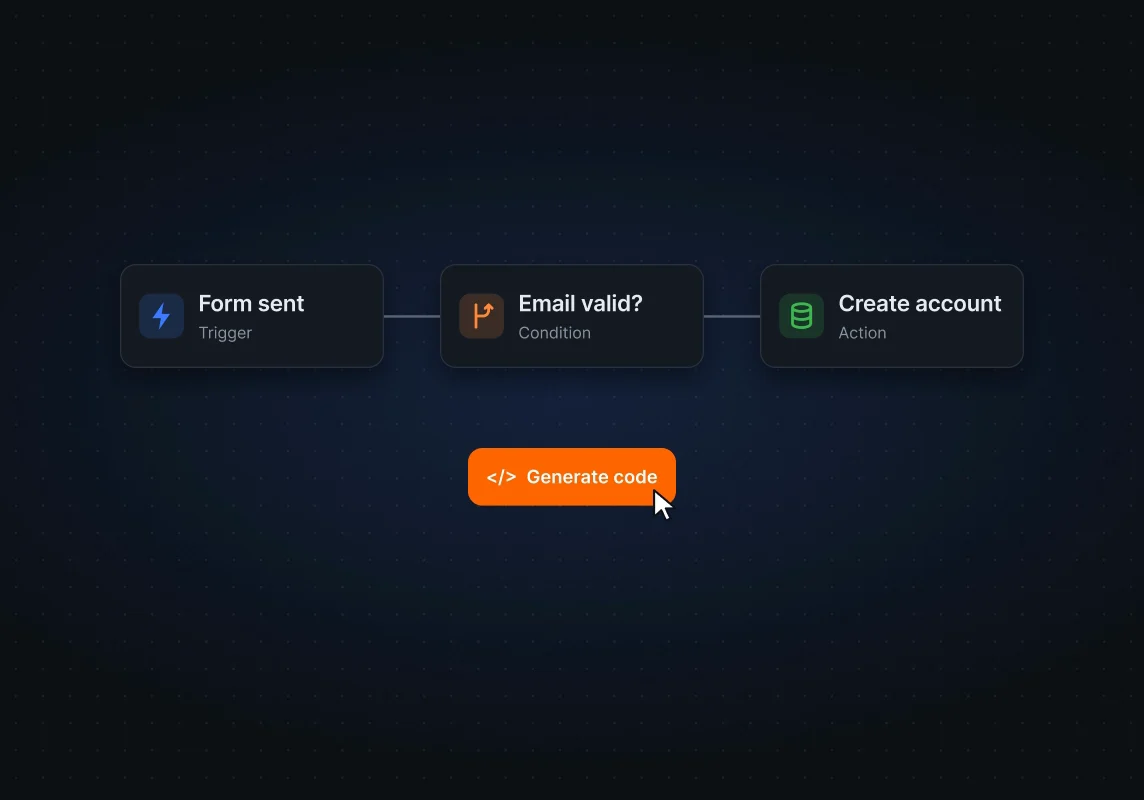
Developers read the code, PMs read the prompt, and everyone reads the flow. Generate Code turns the flow into a store the developer drops into the app.
Logic lives next to the rest of the project
Each project has an overview, requirements, features (each with build and design views), front end, logic, data model and back end, so a flow is always tied to the feature it serves.
Light and dark, from one set of tokens
Both themes come from the same tokens, so node colours keep their meaning, and their contrast, in either mode.
Before and after
The canvas grew up with the product
The earlier canvas, from when the product had another name, already had nodes and wires. The current one adds blocks grouped by intent, separate success and error paths, and a config panel docked under the canvas.
Before
After
More screens
Around the canvas
Outcome
Built so app logic becomes something a whole team can read, and the boilerplate writes itself.
These are the effects the design was built for, not measured results. Next to each is the signal that would show it.
New projects start from generated code, not a blank file
What would show it: Share of state and API code generated from flows in new projects.
New developers learn a feature from its flow
What would show it: Time for a new developer to make their first change to a feature.
Logic gets reviewed by more than its author
What would show it: Flows opened or commented on by PMs and designers.
Reflection
What did I learn?
Designing for a canvas library meant learning its model first. Once I designed in React Flow's terms (nodes, handles, edges), what I handed over was something engineering could build without translating.
What would I change?
I'd test the node palette with people who aren't developers earlier. Names like setState and lookup are clear to engineers and opaque to everyone else, and the Prompt view only partly closes that gap.
Next case study
Cashlens