Cashlens Shipped 2026
Finance could see how much cash moved. Not why
Cashlens brings a finance team's working-capital reporting into one Power Pages app: cash performance, debtors, creditors, inventories and capex, each with its comparisons and the drivers behind every change.
- Role
- Product Designer (sole designer)
- Timeline
- Month 2025 to Month 2026
- Team
- N Power Platform developers, finance leads, me
- Skills
- Data visualisation, Information architecture, Dashboard design, Designing within a platform
My role
So my job was to let a finance lead follow any number back to its cause.
I designed the landing page, the global filters and every module: cash performance, the cash-flow contribution statement, debtors, creditors, inventories, capex and closing balance.
- Problem
- Working-capital numbers were spread across static reports, and leaders couldn't trace a movement back to its cause.
- What I did
- Designed a landing page that maps questions to modules, one filter bar for every page, and module pages where each number sits next to its comparison and its drivers.
- Result
- Built so a finance lead can go from “cash dropped” to the customer or region behind it without stitching reports together.
Client work, shown with a new name, made-up data and a new visual identity. Views are my own.
Problem
Finance had every number it needed…
Cash, debtors, creditors and inventory each lived in their own report, with their own filters and their own idea of “last year”. A finance team spent its time lining reports up before anyone could ask why something had changed.
…but not the story behind them.
Leaders were making working-capital calls on numbers they couldn't trace, and reviews started with an argument about which report was right.
Who it’s for
- Finance leadsExplain working-capital movements in the monthly review.
- Business-unit controllersTrack debtors, creditors and inventory for their own markets.
- LeadershipSee the headline numbers, and drill in when something moves.
From lining reports up to following one number.
Before: Each report had its own filters and its own idea of last year
After: One filter bar, the same on every page
Before: A number on its own
After: Every number beside last year and last month
Before: A map of every page
After: A directory of the questions finance asks
Before: Totals that said what moved
After: Drivers that say why: by customer, by vendor, by geography
Discovery
What does finance actually ask?
Every question finance asked had the same shape: what changed, compared with what, and why.
The questions finance leads brought to a review shaped the landing page more than the list of existing reports did. Add your research: sessions with finance leads, and which reports Cashlens replaced.
- Platform
- Power Pages: page-based navigation, embedded reports and a filter bar across the top.
- Comparisons
- Each figure needs year to date, last year, last month, forecast and target, with consistent signs.
- Scale
- Currency, scale, scenario and forecast version change every number on the page at once.
Core idea
Working capital is three balances pulling against each other.
Each one has its own module, and each module breaks its movement down to the drivers behind it.
The working-capital formula
- Debtors
- Cash customers still owe.
- Inventory
- Cash sitting in stock: finished goods, raw and packaging material.
- Creditors
- Cash still owed to suppliers.
- Working capital
- The cash tied up in running the business. Cashlens explains why it moved.
Exploration
The landing page went through many layouts. Two of them show the turning point.
Dropped: A map of every page
A tree of modules and their pages, each one a link.
Why not: It showed where everything was, but not why you'd go there. People still had to know which report answered their question.
Chosen: A directory of questions
Cards grouped by what they track (cash performance, creditors, debtors, inventory and capex, slice and dice), with headline KPIs beside them.
Why it won: Each card says what it tracks, its links go straight to the view that answers it, and the KPI rail shows the headline numbers before you click anything.
Decisions
Three calls made the numbers readable.
Decision 1: Every number comes with its comparison
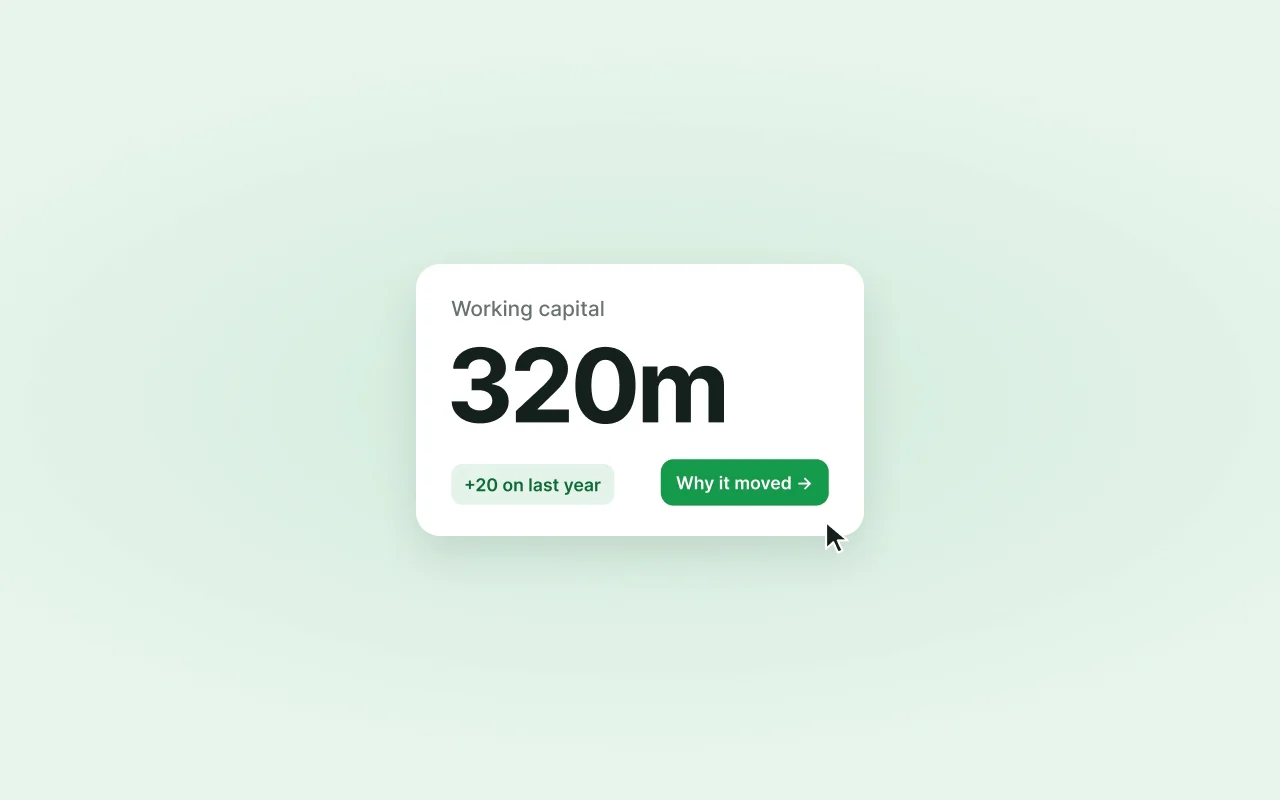
KPIs show the current figure with last year and last month beside it, coloured by whether the change helps cash. Tables keep the same column order everywhere: year to date, same period last year, forecast, target.
One column order, on every table Decision 2: One filter bar for every page
Currency, scale, scenario, forecast version, period, organisation, customer and product sit in the same bar on every module, so a view you set up carries across pages.
The global filter bar Decision 3: Show the drivers, not just the totals
Debtor and creditor pages break a change into what drove it: as a waterfall, by customer or vendor, and by geography. “Why did receivables move?” is answered on the same page that shows they did.
Debtors by geography
Solution
A finance lead can open one app, set the filters once, and follow a number to its cause.
Here is the landing page, then the statement and the breakdowns behind it.
From “cash dropped” to the customer behind it.
- 1Start from a questionThe landing page groups modules by what they track, with headline KPIs.
- 2Set the filters onceCurrency, scenario, period and organisation carry across every page.
- 3See what changedEach figure against last year, last month, forecast and target.
- 4Find what drove itThe movement broken down as a waterfall, and by geography.
- 5Call the right personCustomers and vendors ranked by balance and overdue share.
- 1A greeting with the actuals and forecast period, so you know which data you're reading.
- 2A KPI rail: operating cash, working-capital movement, cash contribution and productivity, against last year and last month.
- 3The directory: each card says what it tracks and links straight to its views.
- 4Request access, for modules your role can't see yet.
Cash performance, with the trend behind each number
Operating cash, working-capital movement, cash contribution and productivity each show this year, last year and last month, over a twelve-month trend line.
From a total to the customers behind it
Customer and vendor breakdowns rank who drives the balance and the overdue share, so the follow-up call goes to the right person.
More screens
Every module follows the same pattern
Outcome
Built so working-capital reviews start from the cause, not from reconciling reports.
These are the effects the design was built for, not measured results. Next to each is the signal that would show it.
One version of the numbers in every review
What would show it: Static reports retired, and reviews run from Cashlens.
Faster answers to “why did cash move?”
What would show it: Time from spotting a change to finding the customer, vendor or region behind it.
Overdue debt spotted earlier
What would show it: Overdue share by region, tracked month on month in the geography views.
Reflection
What did I learn?
Inside Power Pages most of the design lived in the information, not the components. The biggest gains came from agreeing the order of comparisons and what colour means once, for every page.
What would I change?
I'd settle the landing page's structure with finance leads before drawing cards. Many of the layout rounds were really the same question: how do they group their own work?
Next case study
Folio